Report an Issue

To report an issue (or make a service request) you can do so by submitting a request using the reporting portal below.

You can also contact us at 626-939-8458. If you reach the voicemail, please leave a detailed message with your name, contact information, issue you are reporting and location of the issue, so we can process your request in a timely manner.

Visit West Covina's GIS Data Hub Dashboard to get more statistical information on reports and other interactive maps.

If there is an emergency during this time, that need immediate attention, please dial 911.

_____________________________________________________________________________________________________________________

Report an Issue below:

  1. Report an Issue Mobile Application

To download the GoGov Report an Issue Mobile application for your electronic device, click on the icon below to be directed to the App store for your device: 

APPLE STORE


Apple Store Icon
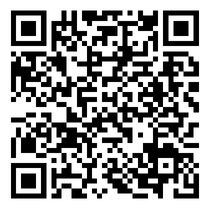
   Or Scan the below QR Code

GoGov Report Issue - Apple App Store QR Code

__________________________________________________________________________________________________________________


GOOGLE PLAY

Google Play IconOr Scan the below QR CodeGoGov Report Issue - Google Play QR Code

__________________________________________________________________________________________________________________

How To Report an Issue Instructions _ Mobile Application - (JPEG)